Netflix: How to Add a Profile (Step-by-Step)
Streaming services like Netflix have revolutionized the way we consume content, allowing us to enjoy a vast library of TV shows, movies, and documentaries on demand. But with great content comes a need for organization, especially when multiple users share one account. That's where Netflix profiles come in, offering a personalized viewing experience for each user. Let's dive into how to add and manage profiles on Netflix.
Netflix allows you to create up to five unique profiles on a single account, each with its own recommendations, watch history, and My List. This is particularly useful for households with diverse viewing preferences. Whether you're a parent wanting to keep your children's viewing separate, or simply want to tailor your recommendations, adding a profile is a breeze. Let's get started.
Creating a New Profile on Netflix
Creating a new profile is the first step in customizing your Netflix experience. You can do this on both the web and mobile platforms.


First, sign in to your Netflix account. If you're using a shared device, make sure you've signed out of the account you want to add a profile to. Now, let's dive into the process on both platforms.
Creating a Profile on the Web
On the Netflix website, click on the profile icon in the upper-right corner. If this is your first time creating a profile, you'll see a "+" sign. Click on it to create a new profile.

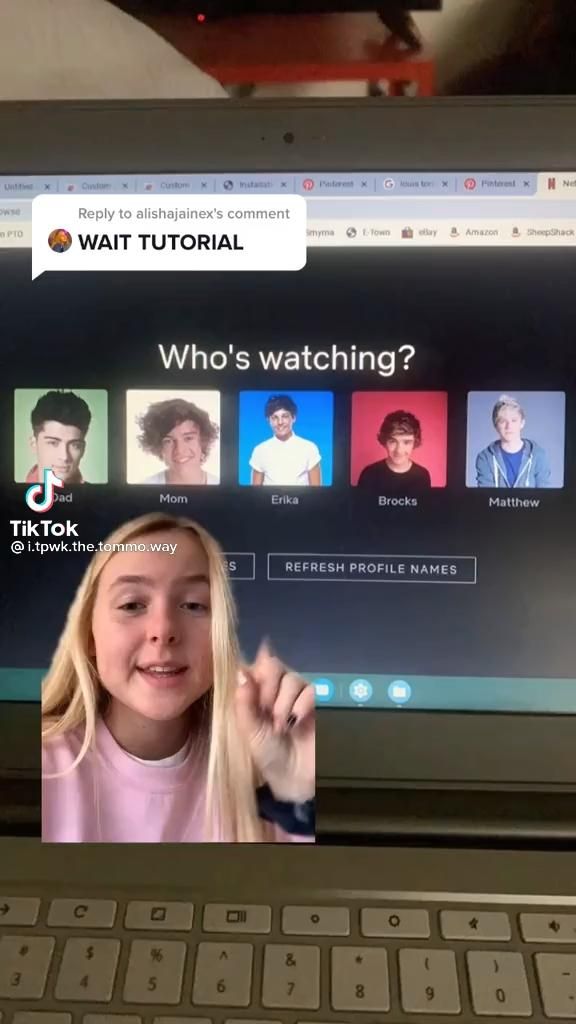
Enter the name you want for your profile (up to 30 characters) and click "Done". Your new profile will now appear in the list of profiles. Click on it to start browsing.
Creating a Profile on Mobile Devices
On the Netflix app, tap on the profile icon at the top. If you've already created profiles, you'll see them listed here. Tap on the "+" sign to create a new profile.
Enter the name of your new profile and tap "Done". Your new profile is now ready to use. Scroll down to select it and start enjoying your personalized Netflix experience.
Managing Netflix Profiles
Once you've created your profiles, you might want to manage them to ensure a personalized and secure viewing experience. Let's look at how to manage your Netflix profiles.
Managing profiles includes tasks like changing profile names, setting profile pictures, managing kid profiles, and more.
Changing Profile Names
To change a profile name, hover over the name of the profile you want to edit on the Netflix website. Click on the pencil icon that appears. On the Netflix app, tap on the name of the profile you want to edit.
Enter your new profile name and click/tap "Done". Your profile name has been updated.
Setting Profile Pictures
You can also set profile pictures for each Netflix profile. These can be useful for quickly identifying which profile is active, or just for adding a personal touch.
On the Netflix website, hover over the profile icon you want to edit and click on the pencil icon. On the Netflix app, tap on the profile icon. In both cases, you'll see an option to change the profile picture. You can choose from pre-set Netflix avatars or upload a picture from your device.
Managing Kid Profiles
Netflix offers profiles specifically designed for kids, with their own settings and recommendations. These profiles don't use your main account's watch history, and you can set parental controls to restrict viewing to kids' content only.
To set up a kid profile, follow the same steps to create a new profile. After naming the profile, you'll see an option to specify that it's for a kids' profile. From there, you can set up parental controls to tailor the viewing experience for your little ones.
Adding and managing profiles on Netflix is a simple and efficient way to customize your streaming experience. Whether you're sharing your account with friends or family, or just want to keep your TV shows and movies separate from your kids' favorite cartoons, profiles offer a personalized touch to an already extensive streaming service. So go ahead, create, manage, and enjoy your unique Netflix profiles today!
Related Articles
Change Netflix Profile on Roku: Step-by-Step Guide
Struggling to keep Netflix organized for multiple users? Managing separate profiles on your Roku device can be a breeze once you understand how to change...

Master the Art: Step-by-Step Guide to Drawing Perfect Side Profile Eyes
Ever wondered how to capture the essence of a moment with just a simple, elegant side profile? The eyes, they say, are the windows to the soul - and that's...

Create Your Reddit Profile: Step-by-Step Guide
Ever felt like you're missing out on the vast, lively discussions happening on Reddit? If you're new to the platform, creating an account might seem daunting...

Step-by-Step: Change Your SBI Profile Password
Forgotten your State Bank of India (SBI) profile password? Don't worry, resetting it is a straightforward process. Here's a step-by-step guide on how to change...

Reset Netflix on Xfinity: Step-by-Step Guide
Ever experienced Netflix streaming issues on your Xfinity service? You're not alone. Sometimes, a simple reset can solve these hiccups. Here's a step-by-step...

Change iPhone Profile Picture: Step-by-Step Guide
Ever wanted to spruce up your iPhone profile with a new picture? It's easier than you think! Let's guide you through the process of changing your profile...